A complete guide to cloud storage, cloud services, and handling multiple storage accounts like Dropbox, Google Drive, Amazon, and OneDrive for macOS users.
Please keep in mind the following factors while using the encryption feature in CloudMounter: Enabling the encryption globally in the app's preferences ...
To enable or disable the display of the status icons on your files, the context menus for the encryption feature and Dropbox, Google Drive or Amazon S3, navigate to System Settings ...
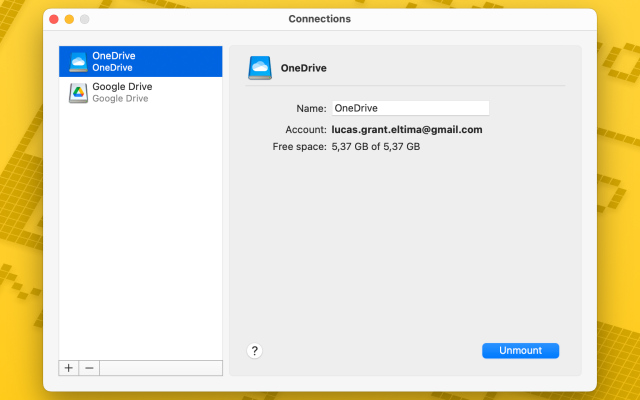
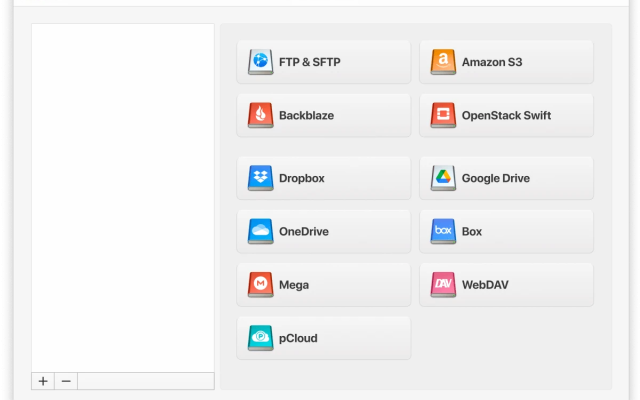
 CloudMounter