A complete guide to cloud storage, cloud services, and handling multiple storage accounts like Dropbox, Google Drive, Amazon, and OneDrive for macOS users.
To uninstall CloudMounter on your Mac, open the Applications folder in Finder, select the app and drag it to Trash. If you receive the alert message saying ...

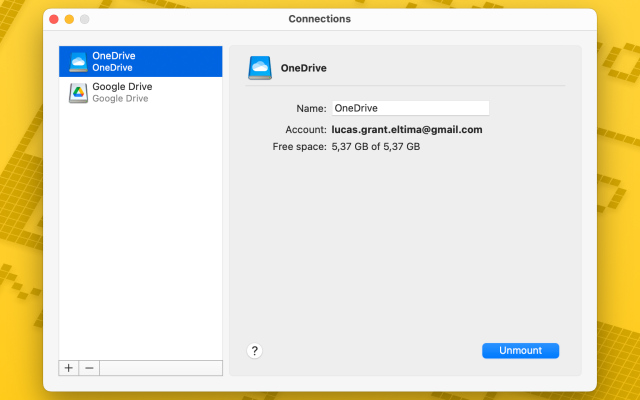
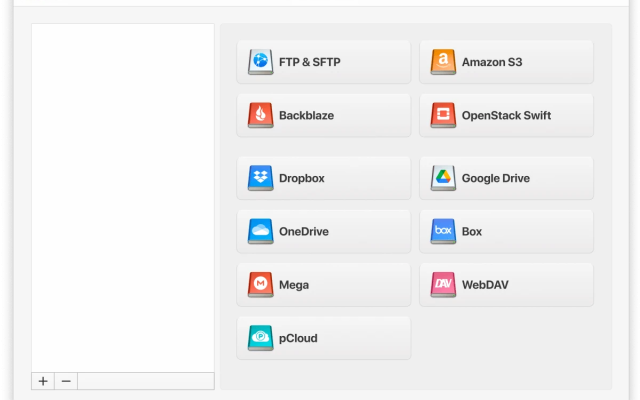
 CloudMounter