 CloudMounter
 Why the drive that I mounted in CloudMounter is case-insensitive?
Our solution If you are facing this issue, check whether the server you are connecting to supports case-sensitive file names. If the server supports it, then while using the macOS Native Drive type of disk mounting, the file system on your system drive must be case-sensitive. If it’s not want you need, install FUSE and use macFuse […]
Uninstall CloudMounter for macOS
Uninstall CloudMounter To uninstall CloudMounter on your Mac, open the Applications folder in Finder, select the app and drag it to Trash. If you receive the alert message saying that the application cannot be moved to Trash you need to disable the CloudMounter extension on your computer. To do this go to System Preferences > Extensions and remove a tick in the checkbox […]
Supported versions of FUSE
Supported FUSE Versions in CloudMounter The current onsite version of CloudMounter supports the following versions of FUSE: macOS 10.12-10.14 – FUSE versions 3.8.2 and later. macOS 10.15 – FUSE versions 3.10.3 and later. macOS 11 on Intel-based Macs – FUSE versions 3.11.2 and later. macOS 11 on Macs with Apple silicon – FUSE versions 4.0.4 and later. […]
How to Connect to Seagate Lyve Cloud
Connect to Seagate Lyve Cloud Follow these steps to set up a connection to Seagate Lyve Cloud using CloudMounter: Open CloudMounter and choose “Amazon S3“ as the connection type. Type a name for your connection. Provide your Access Key and Secret Key for Seagate Lyve Cloud. Use the following server endpoint: https://s3.sv15.lyve.seagate.com 5. Make sure the option “Use path-style URLs to access buckets” is […]
How to disable the generation of files preview?
Preventing File Previews and Auto-Downloads in CloudMounter Note: This issue is not relevant for macOS Native Drive type of disk mounting. If you are not using it, then follow the advice below. Up to macOS 10.15, CloudMounter managed to disable the generation of files preview on the mounted drives and with the release of […]
The best cloud storage management services
With the cloud becoming less and less of a nebulous concept, most of us are now using Google Drive to store personal files, or iCloud for macOS users, OneDrive for work documents, and likely also other cloud storage services that suit different needs. But how can one person manage all their files without losing track […]
Transfer files from Dropbox to Google Drive quickly
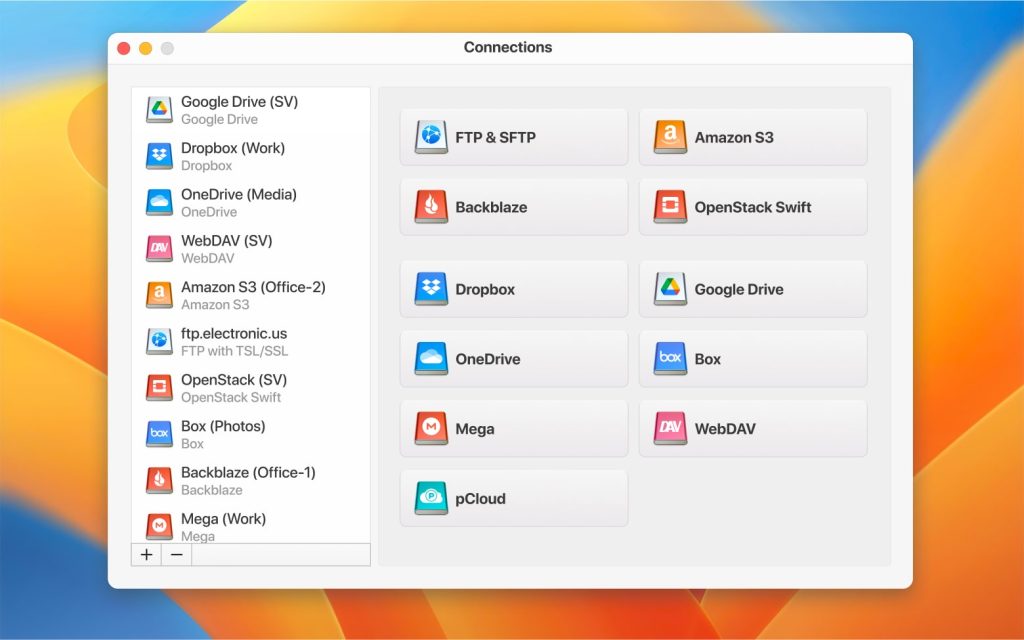
Many of us have already registered accounts on various сloud services. However, how can you organize easy management of all files, without having to download them to your computer? The easiest and fastest way is guaranteed by CloudMounter. With the help of this app, you can easily migrate Dropbox to Google Drive in a couple […]
How to set up Google Drive desktop App easily
In this article you’ll find out how to configure native Google Drive app on Mac and Windows computers. However, looking ahead, we can say that there exists an even more convenient solution that not only allows working with cloud storage from native file managers but also does not take up space with synchronized cloud files […]
The Best 2026 MultCloud Alternatives
Note: Сontent is being updated. MultCloud may be the most well-known cloud storage manager. Still, many 2026 cloud-to-cloud services offer powerful functionality and intuitive interfaces. Moving content between accounts by downloading and reuploading is tedious and not practical for clouds with a lot of content. These free alternatives to MultCloud can transform your workflow and […]