 CloudMounter
 Mount FTP as a Drive on Windows
This article explains how users can mount FTP as a drive on Windows computers. It covers both the standard method, which involves adding your FTP in File Explorer, and an alternative method, using third-party programs. Desktop solutions such as CloudMounter, for example, can offer improved security, better integration, and advanced functionalities, including support for SFTP/FTPS/FTPES […]
Mount WebDAV Server to Finder on macOS
Knowing how to mount WebDAV on macOS is crucial if you want to remotely access your files from different web servers. However, doing so without additional help can be challenging. You’ll need to ensure that everything is secure, which is hard to verify without technical experience. The good news is that alternatives exist – such […]
Mount SFTP as a Drive on your Mac
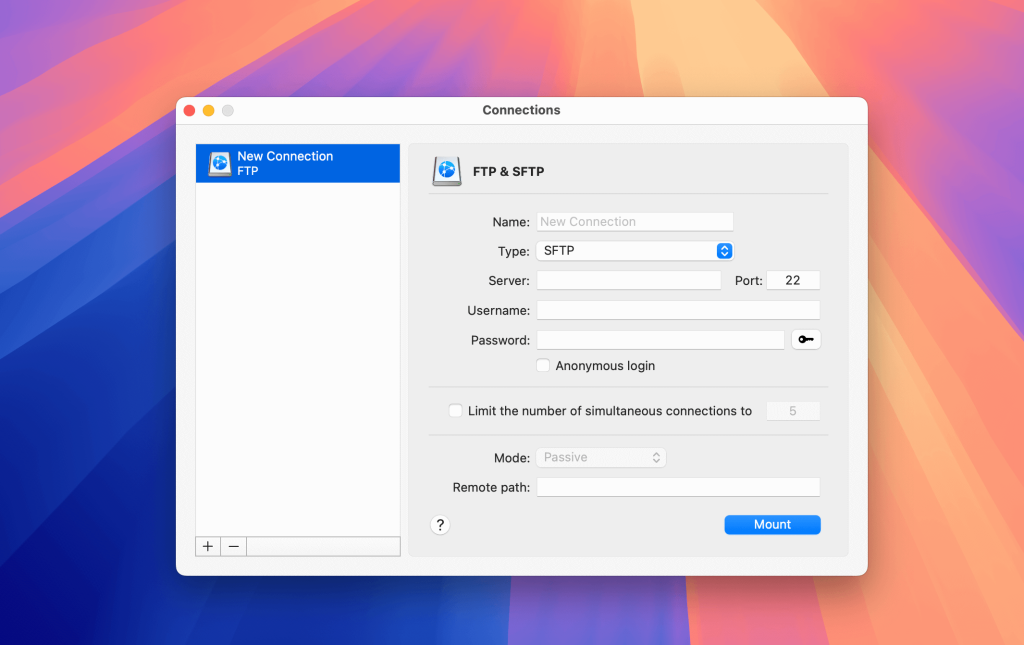
Since there’s no native way to mount SFTP on macOS, you need a third-party app to open remote files straight from Finder. CloudMounter is an excellent solution that lets you connect to SFTP servers and manage remote files just like you would with local ones. You can easily move and organize your files without having […]
Mount SFTP as a Drive on Windows
If you’re a Windows user, then you might know that it doesn’t offer native support for SFTP in File Explorer, which can make managing remote files a bit frustrating. A good alternative is CloudMounter, which helps by letting you mount SFTP on Windows as a local drive, so your files appear right alongside everything else […]
Connect to FTP Server on macOS
Connecting to a File Transfer Protocol (FTP) server is a great way to access files from a remote server on macOS. While you can use the Finder app to manage an FTP server, it’s quite limited in what it can do. A more powerful alternative is CloudMounter, which offers lots of extra features and better […]
How to Encrypt and Protect Your Dropbox
Dropbox is one of the most popular file-sharing solutions around. It is one of the original cloud-based systems, letting users upload files so that they and their friends or colleagues can access them in seconds. However, while it’s the ideal method for sharing content, it’s also more vulnerable than you may think. For maximum security, […]
What is Amazon S3? Pros and cons you need to know
Amazon S3 is a web-based cloud storage service provided by Amazon Web Services. In this article, we’ll explain what Amazon S3 is used for, take a look at some of the advantages of using Amazon S3, as well as some of the downsides to the app. You can mitigate some of these downsides and get […]
What is pCloud? Pros and cons you need to know
pCloud for Mac is a popular cloud storage service with over 14 million users. Founded in 2012, the service acts as a cloud storage solution with a focus on file sharing and collaboration. In this article, we’ll take a look at some of the advantages of using pCloud, as well as some of its downsides. Like […]
How to Boost the Security of Your Dropbox Account With CloudMounter
As one of the most widely used cloud storage services, Dropbox is a popular target for malware and other forms of cyber attack, leading to more than a few notable security failures in recent years. So how can users continue to enjoy the service without ongoing concerns over dangers posed to their data stored in […]