Cookie
Electronic Team, Inc. uses cookies to personalize your experience on our website. By continuing to use this site, you agree to our cookie policy. Click here to learn more.
#1 choice for

Manage your multiple cloud files with one app

main splash image main splash image
Bring all your cloud storages and web services together in one convenient place with this ultimate cloud storage manager for macOS and Windows. Mount all your cloud drive accounts as local drives on your computer, making it easy to access, browse, and organize your cloud files, just like any other data on your system.
4.8based on 255 review
Supported in CloudMounter
Dropbox
Google Drive
OneDrive
Amazon S3
MEGA
pCloud
Box
Backblaze B2
FTP · SFTP · WebDAV
Flexible and powerful

Manage all files from one spot

Easily organize and control your files across different services without switching between apps. Keep everything in view and accessible, simplifying your file management process.
cloud management icon
Multi-cloud management

Simplify your data management by unifying multiple cloud storage accounts in one place. Transfer and organize cloud files across clouds with ease.

Finder and Explorer icon
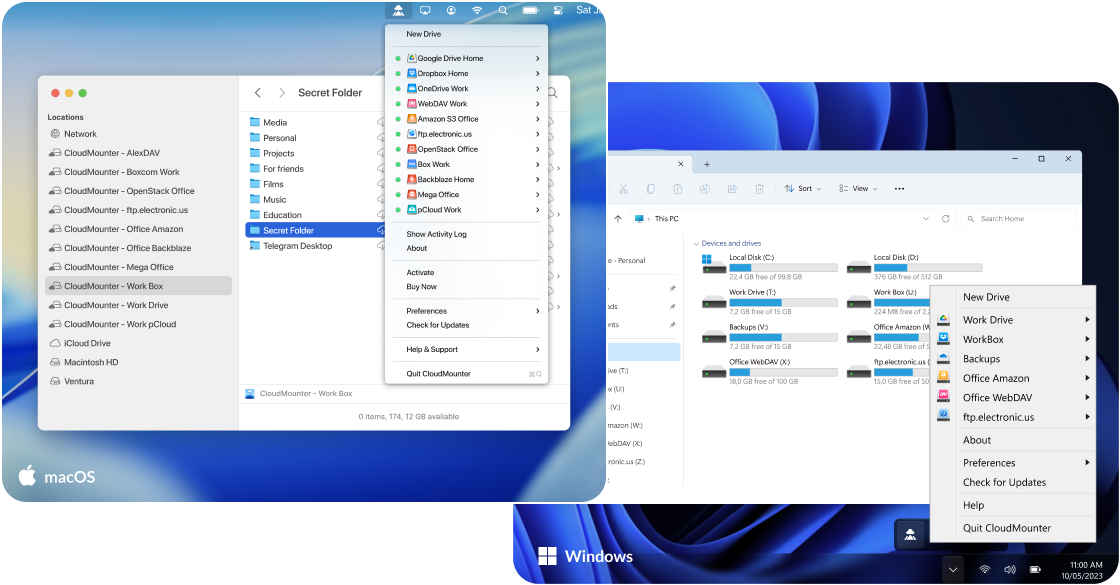
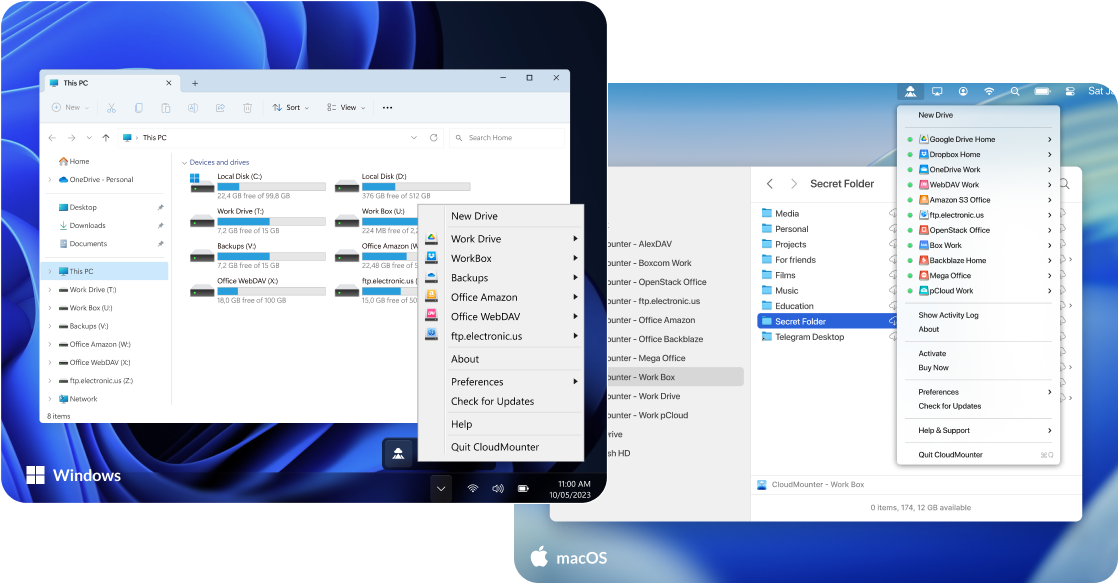
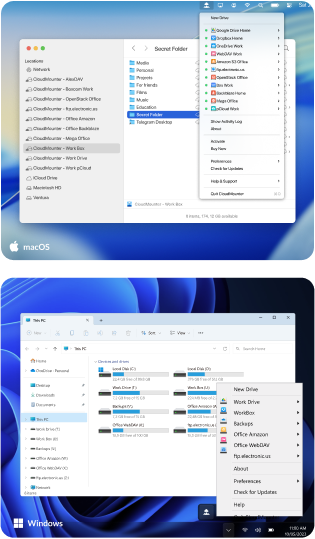
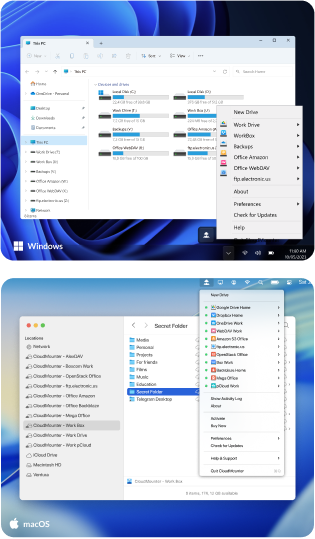
Built into Finder and Explorer

Access your cloud files directly in Finder and Explorer without opening additional software.

accounts icon
As many accounts as you need

Connect and manage multiple cloud storage accounts, ensuring flexibility and convenience.

encryption icon
Cloud storage encryption

Protect your sensitive cloud data with CloudMounter's robust encryption, ensuring your files remain secure.

memory icon
Save your hard drive memory

Optimize your device's local storage by uploading your large files to the cloud. When needed, open and work with those files directly from the cloud, just as if they were stored on your computer.

files icon
Treat remote files as if they were local

Work with cloud files directly, just as if they were stored locally on your machine, with instant access.

offline
Work Offline
CloudMounter lets you work with cloud files offline, keeping your workflow uninterrupted even when you're not connected.
Supported:
macOS
Coming soon Windows

Cloud storage manager for everyone

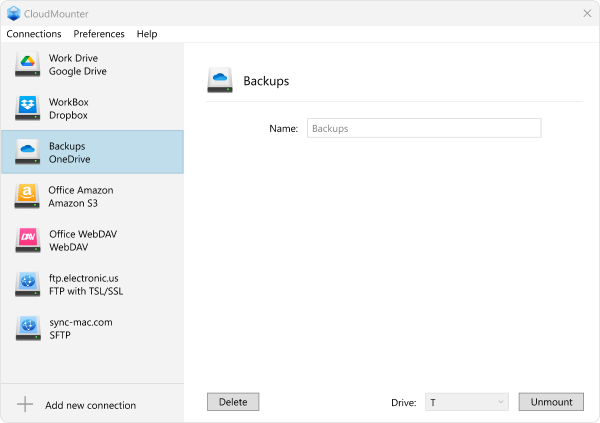
No matter which storage service you use, CloudMounter has you covered! This powerful app to manage multiple cloud storage accounts allows you to connect and organize everything in one place. Mount your Dropbox, Google Drive, Microsoft OneDrive, Amazon S3 accounts and more as regular drives on your Mac or PC.

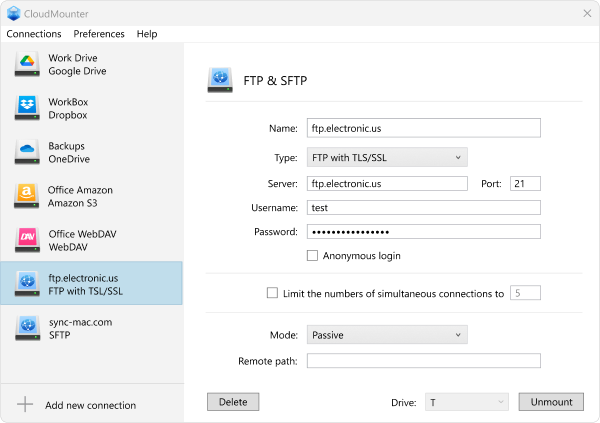
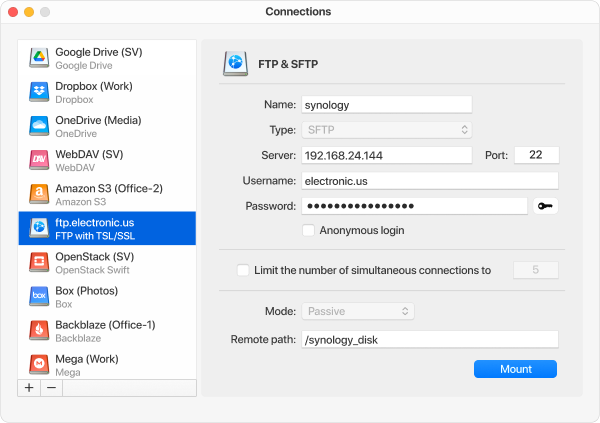
FTP/SFTP connection

Mount FTP/SFTP servers as local drives, making it easy to manage and browse files with CloudMounter.
screen
screen

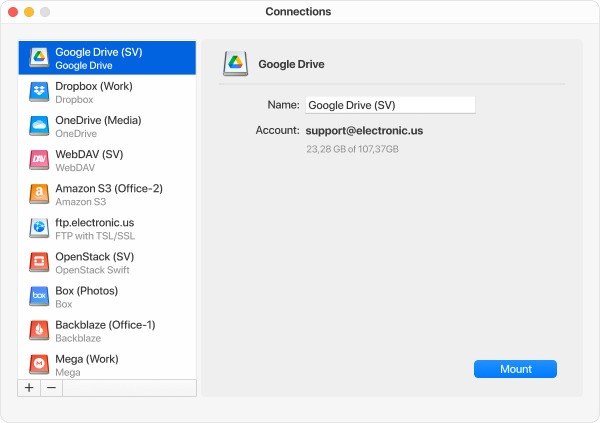
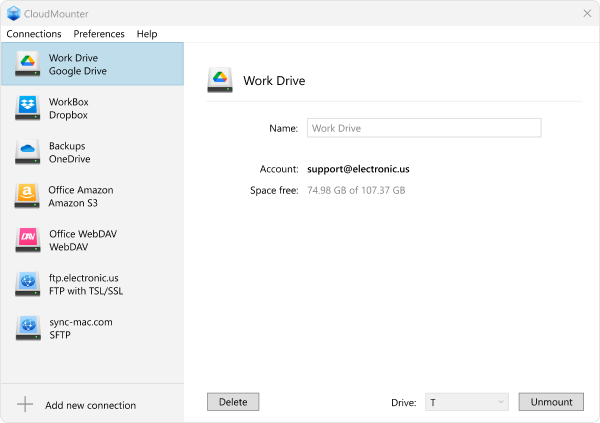
Google Drive

Seamlessly access and handle your files stored in Google Drive. Manage your data with the convenience of a local drive on your computer.
screen
screen

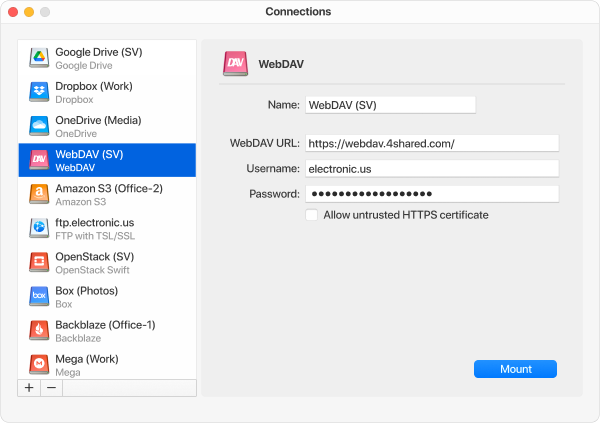
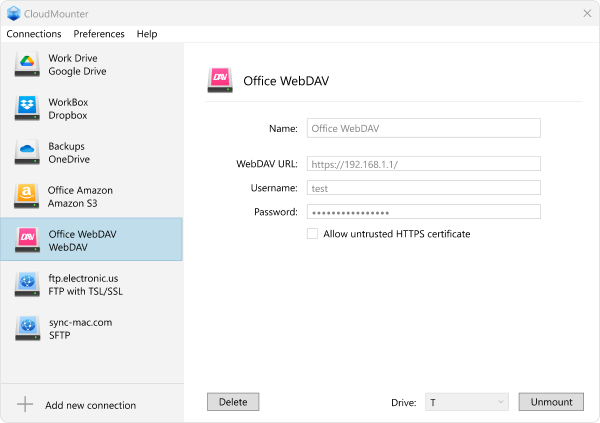
WebDAV

CloudMounter simplifies working with WebDAV services by allowing you to mount them as local drives for direct file access.
screen
screen

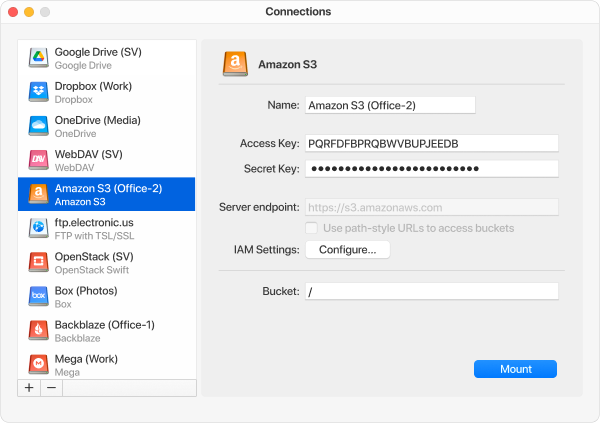
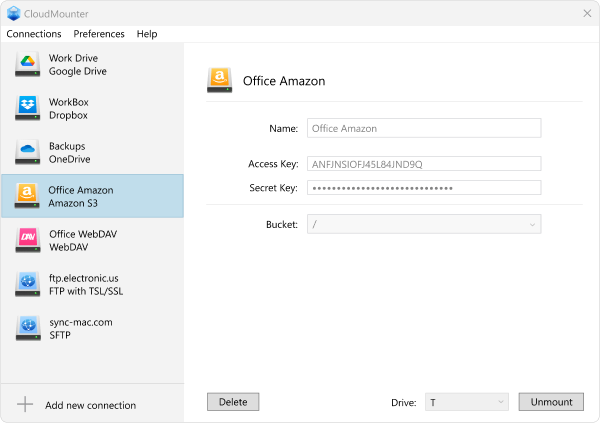
Amazon S3

Manage your Amazon S3 data with ease by mounting your buckets as local drives on your Mac or Windows, offering seamless cloud service integration.
screen
screen

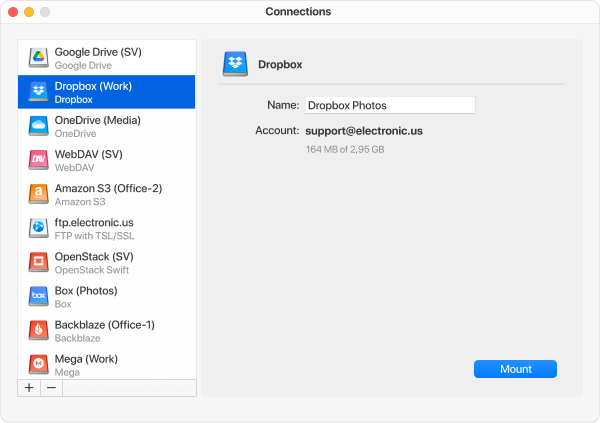
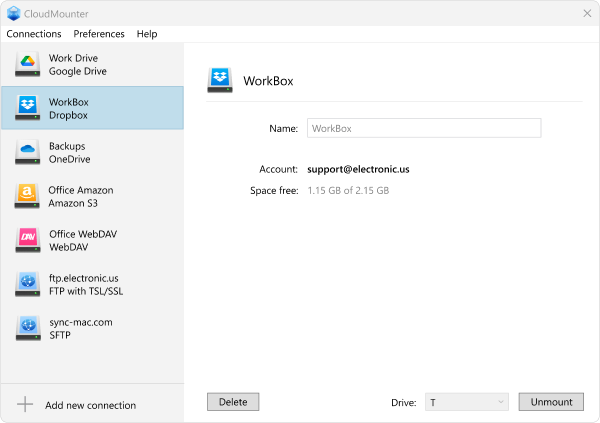
Dropbox

Want to have hassle-free access to all your files in Dropbox? Connect it to your computer as a local drive with the help of CloudMounter.
screen
screen

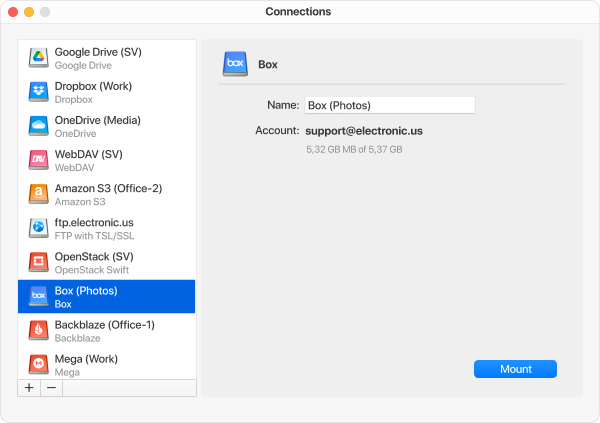
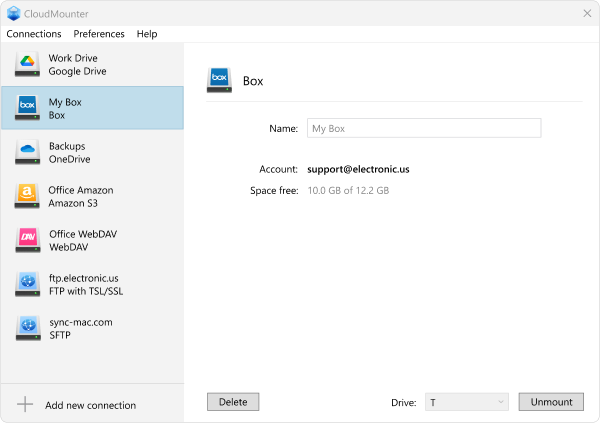
Box

Your Box files are always accessible, giving you the ability to work with them directly from your computer. No extra steps, just streamlined access.
screen
screen

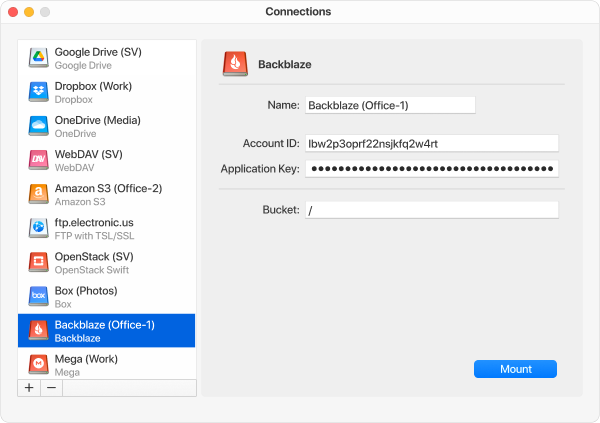
Backblaze

Work with your Backblaze account as though it’s part of your local storage. Enjoy straightforward access and smooth navigation through all your files.
screen

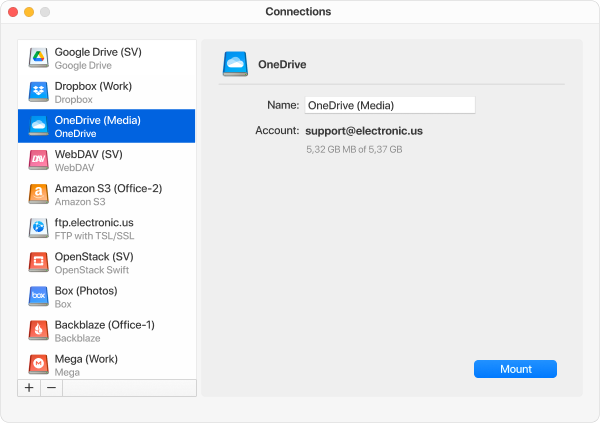
OneDrive

Effortlessly mount OneDrive as a local drive, giving you direct access to all your files. Keep everything streamlined for easy file handling and transfers.
screen
screen

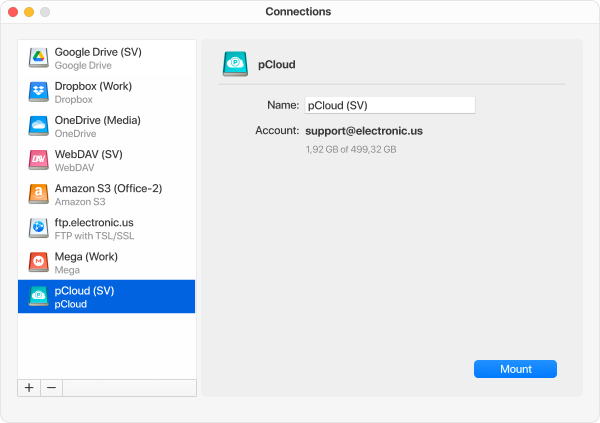
pCloud

Access and organize your pCloud storage without leaving your desktop. Enjoy a seamless experience while handling your files.
screen

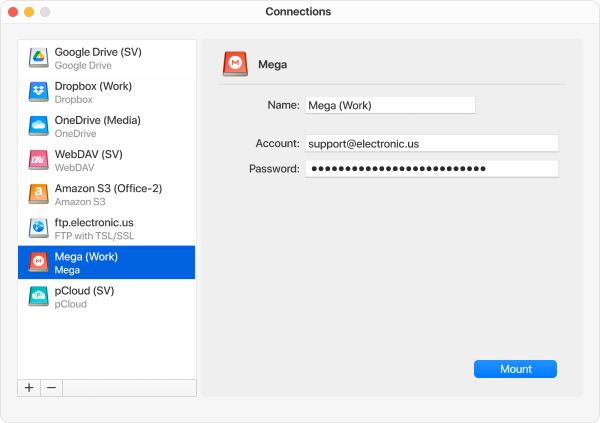
MEGA

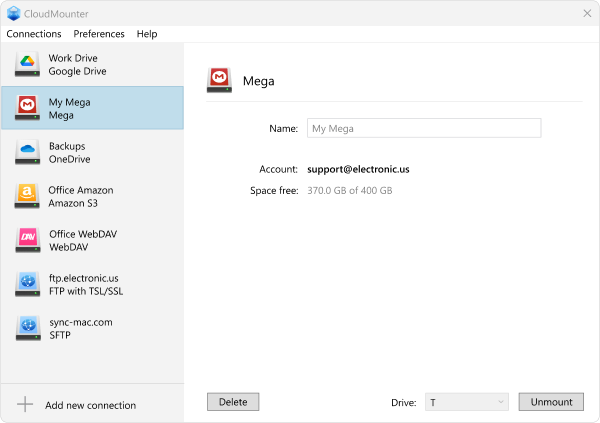
Manage your files stored in MEGA as if they were local, thanks to CloudMounter’s seamless integration.
screen
screen
What users say

Rated 4.8 on the Mac App Store

Common questions

Frequently Asked Questions

The free version of CloudMounter for Mac lets you mount one Google Drive, Dropbox, and OneDrive account with full access at no cost. Additional accounts and other supported cloud services are available in read-only mode until you upgrade to PRO.
CloudMounter does not store your login credentials on its servers or share them with third parties. On Mac, your credentials are securely stored in macOS Keychain, while on Windows, they are saved in Windows Credential Manager. All data transmitted between CloudMounter and the required servers is sent through encrypted channels, helping keep your account information protected.
On-the-fly encryption encrypts your files before they're uploaded to supported cloud storage. Encrypted files remain protected in the cloud and can only be decrypted with your encryption password.
Yes. CloudMounter includes native support for both MEGA and pCloud - something not every cloud manager offers.
Yes. CloudMounter for Mac is available both on the Mac App Store and as a standalone download from our website.
A 7-day free trial for CloudMounter for Mac is provided only when purchasing a yearly subscription. You can cancel your subscription anytime during the trial period without being charged. The subscription fee will be charged only after the trial period ends.

For Windows users, a 14-day Pro trial starts automatically on the first launch, allowing full access to all features. After the trial, the Free version provides full access to one account for Google Drive, Dropbox, and OneDrive, while additional accounts and services are read-only. You can keep using the Free version or upgrade to Pro with a standard or Lifetime license for full access.
Get started today
Your clouds belong in Finder
More cloud services, built-in encryption, and a free version that never expires. CloudMounter — the clear choice for Mac.